BOB Player
Downloader Code: 815778ibodesk.com/bob.apk
Four minutes from a blank screen to your full channel list.
Supported devices
Download IBO PRO PLAYER from your device store and open it.
Note the MAC address and device key shown on the welcome screen.
Register the details in your dashboard and we push the playlist to the device.
Reopen the app; the full channel and VOD list loads automatically.
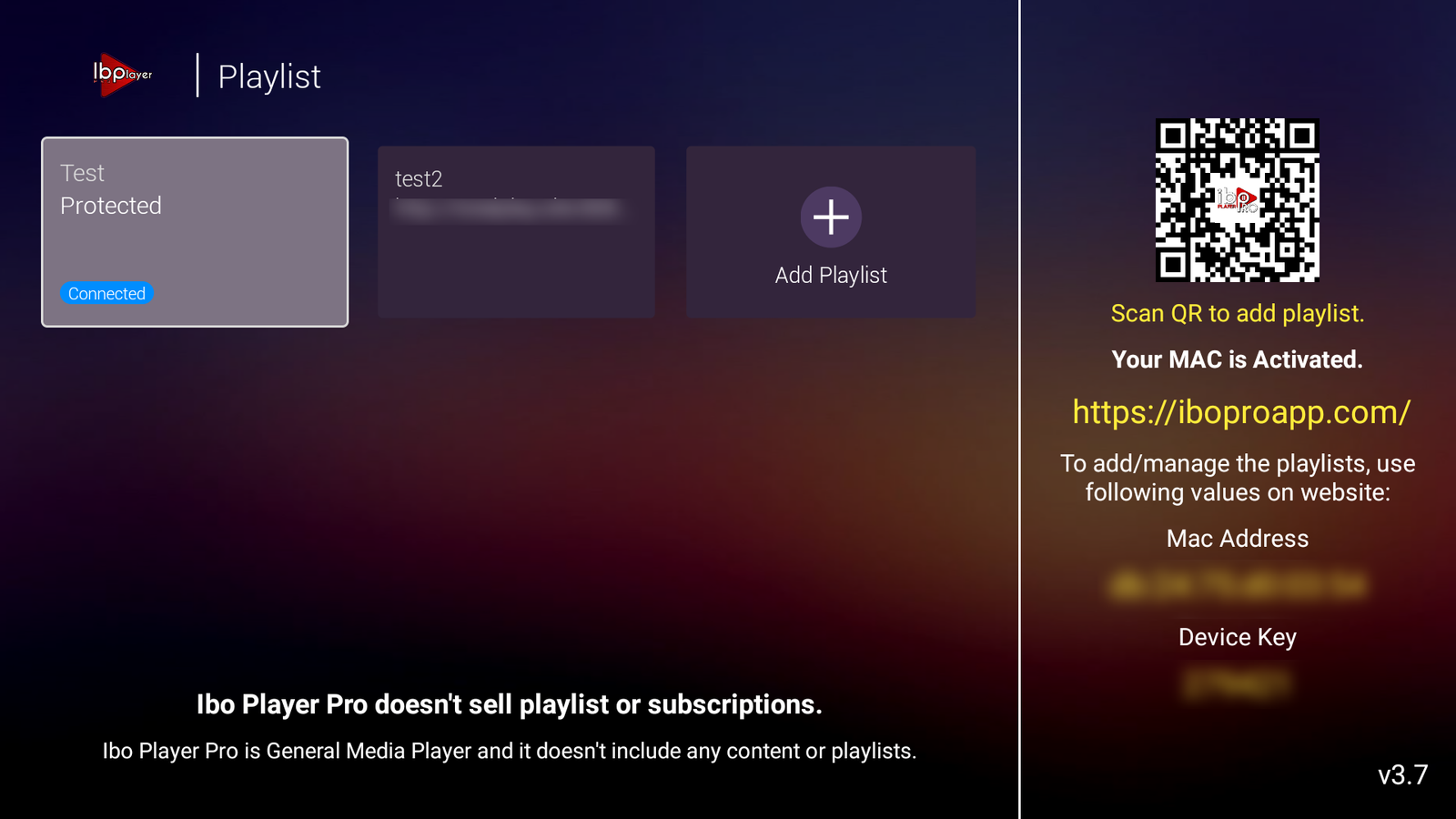
Open IBO PRO PLAYER on your device. The MAC address and device key appear on the first screen. Copy both and add them to your line in the dashboard.
MAC 00:1A:79:XX:XX:XX
Players & stores
Official APKs and app stores for Smart TV, Firestick and Android boxes. Use the downloader code or open the direct link.
Check which CR7 Panel apps are currently published on Smart TV platforms.
Check which Ibosol Panel apps are currently published on Smart TV platforms.
Players & stores
Additional IPTV players and stores you can use with your subscription. Links are temporary and will be updated soon.
iboplayer.com
tvplayeribo.com
bobplayers.com
duplex24.com
iboxxiptv.com
abeplayer.com
mactvplayer.com
virginia-player.com
alltvplayer.com
hushplayer.com
ktntvplayer.com
family4kplayer.com
ibossiptv.com
king4kplayer.com
ibostb.com
bobprotv.com
bobpremuim.com
ibosol.org
flixnettv.com
smartonepro.com
Temporary links and icons. Admin can update each link and upload the official icon from the Content Management panel.
More install options
Open the IBO Appstore by platform (Android, iOS, Smart TV, Roku and more). Categories open in a new tab so downloads work without errors.
Platforms
Downloader Code: 1171959
Downloader Code: 923441
Downloader Code: 6402995
Downloader Code: 474637
Downloader Code: 815778
Downloader Code: 7947185
Downloader Code: 862414
Downloader Code: 967528
ibo.al
cr7.al
duplex24.com
Each platform button opens ibo.al in a new tab. Embedded filters are disabled because the store blocks them inside this site (error 419).